
How To Install JFrog Artifactory on Ubuntu 24.04 LTS
JFrog Artifactory is a powerful open-source repository management software and DevOps solution used for managing and automating all software packages and artifacts during the application delivery process. JFrog Artifactory provides a central management portal from which you can host, store, and distribute all artifacts and binaries. It can be easily integrated with most CI/CD platforms and other DevOps tools.
Prerequisites
- Ubuntu 24.04 LTS with minimal installation
- SSH Access with admin privileges
- Instance type: t2.medium
Install JFrog on Ubuntu 24.04 LTS
Step 1: Update Your System
apt updateStep 2: Install OpenJDK 8 on Ubuntu 24.04 LTS
Artifactory requires Java to run. In this guide, we will install OpenJDK 8. Although newer versions of Java may be available, JFrog Artifactory 6.9.6 remains compatible with this version.
apt install openjdk-8-jdk -y
Validate the version of Java installed
$ java -version
Step 3: Download JFrog Artifactory OSS on Ubuntu 24.04 LTS
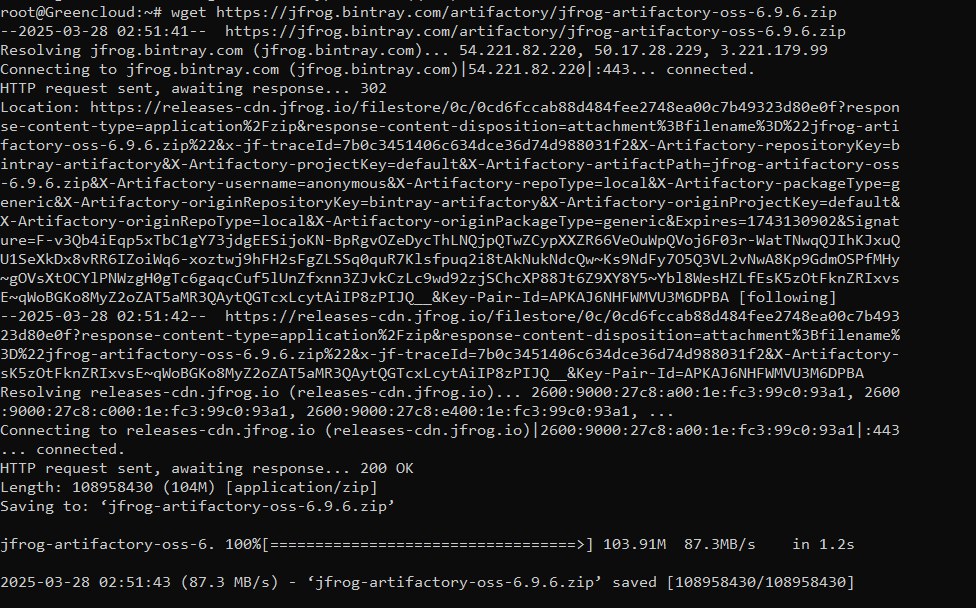
Now, download the JFrog Artifactory OSS version 6.9.6 from the official JFrog Bintray repository using wget.
wget https://jfrog.bintray.com/artifactory/jfrog-artifactory-oss-6.9.6.zip

Step 4: Install Unzip (if not already installed) on Ubuntu 24.04 LTS
If you don’t have unzip If installed on your system, you can install it with the following command:
apt install unzip -y
Step 5: Unzip the Artifactory Package
Once the download is complete, unzip the Artifactory package into the /opt/ directory.
unzip -o jfrog-artifactory-oss-6.9.6.zip -d /opt/
Step 6: Navigate to the Artifactory Directory
Navigate to the extracted Artifactory directory:
cd /opt/artifactory-oss-6.9.6
Step 7: Start JFrog Artifactory service on Ubuntu 24.04 LTS
To start JFrog Artifactory, run the artifactory.sh script:
./bin/artifactory.sh start
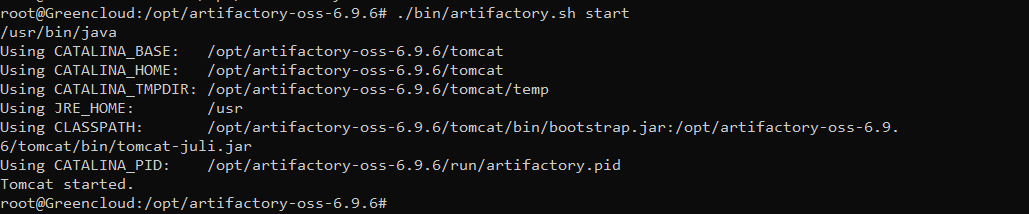
Once the script runs successfully, JFrog Artifactory should be up and running on your server. You can access the Artifactory UI by opening a browser and navigating to:
http://<your-server-ip>:8081

Set new password:
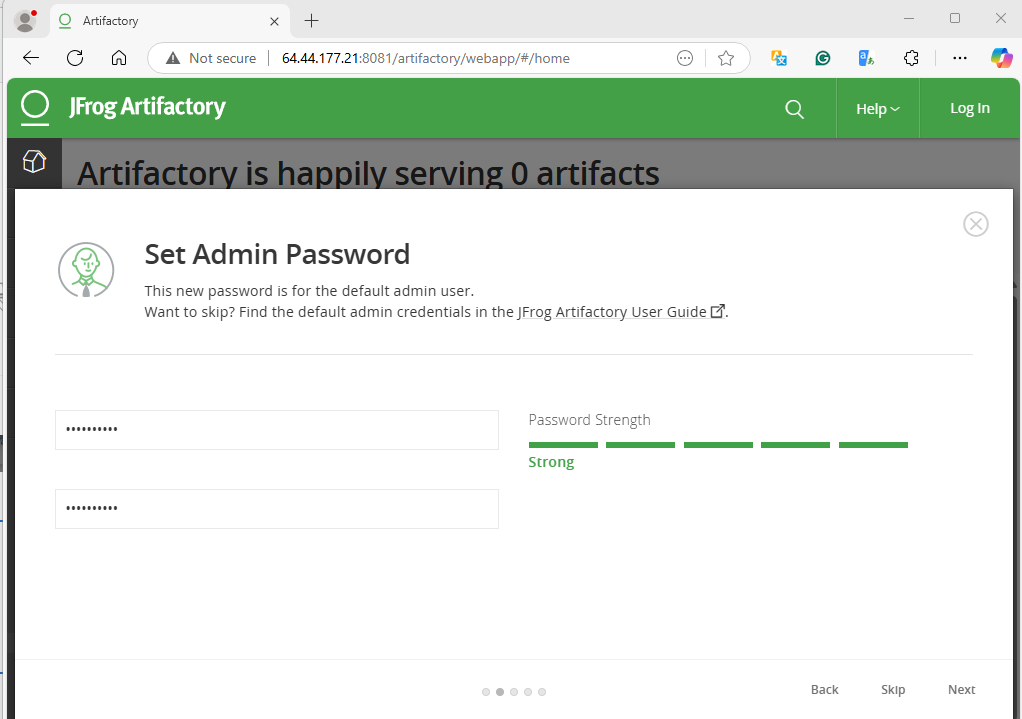
Enter the values:

Select the Package types you want to create:

Click on the Finish button. You will see the JFrog dashboard.

Conclusion
In this post, we explained how to install and set up a JFrog Artifactory on Ubuntu 24.04. You can now deploy JFrog in the production environment and use it as a central repository manager to store all binaries and artifacts with ease. Try to deploy JFrog Artifactory on a dedicated server hosted by GreenCloud
