
How to Install Eclipse IDE on Ubuntu 22.04
Welcome to our guide on how to install the latest Eclipse IDE on Ubuntu 22.04. Eclipse is an Integrated Development Environment (IDE) widely used in Java, PHP, and C/C++ development. Support for other programming languages is available via plug-ins
Eclipse IDE comes with an intuitive Code editor with a compiler, interpreter, syntax highlighting, and debugging tools for your Programming Language. In this post, we will see how to install Eclipse IDE on Ubuntu 22.04 using snap
Step 1: Install Java Dependency
Eclipse is written in Java, and you need to have Java installed.
sudo apt update
sudo apt install default-jdk wget tar -y
Step 2: Install Eclipse IDE Using Snap
Run the following command:
sudo snap install eclipse --classic--classic MeansThe The --classic option allows Eclipse to access system resources outside the Snap sandbox, which is required for development tools and workspace access.
Step 3 — Verify Eclipse Installation
After installation completes, check the installed Snap packages:
snap list | grep eclipse
snap info eclipseStep 4: Launch Eclipse IDE on Ubuntu
You can also use your Desktop Launcher

On the first launch, you’ll be asked to select the Workspace Directory.
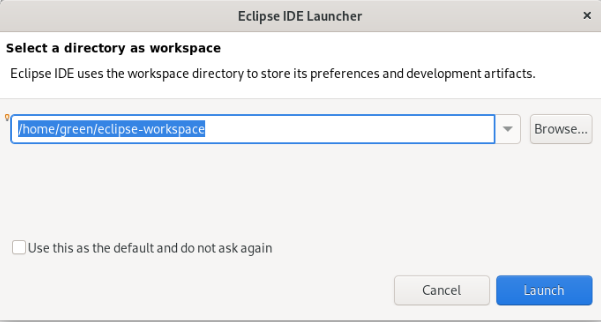
The default should work fine.
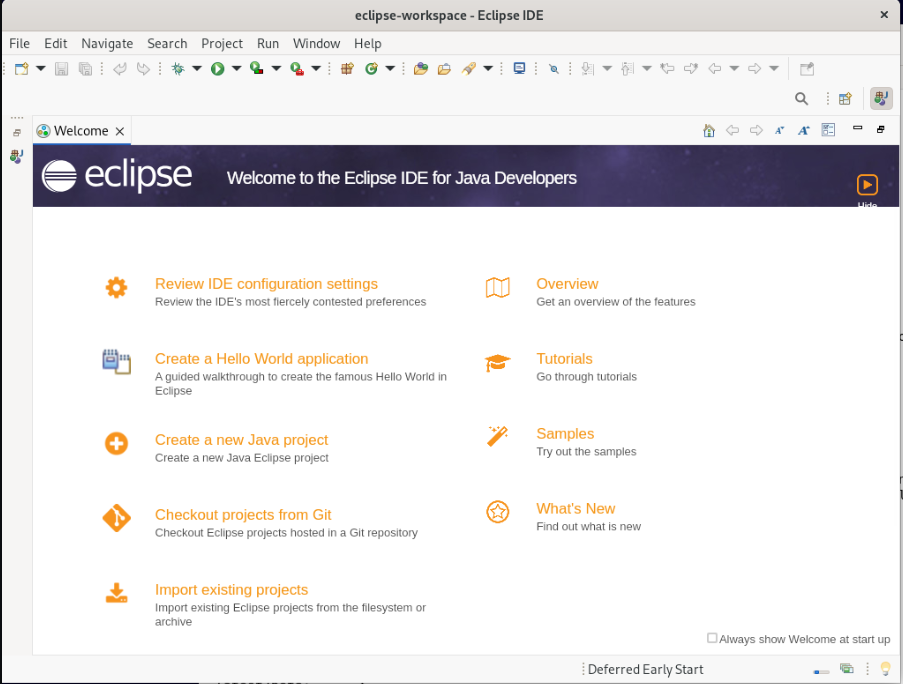
Learn more from the Eclipse Documentation web page.
