
How To Install Wazuh Server on Ubuntu 22.04
This article will cover how to install the Wazuh server on Ubuntu 22.04. Wazuh server is a free, open-source security monitoring tool that uses Elastic Stack (ELK). It is used to monitor security events at the application and OS levels. You can therefore be able to get information about threat detection, incident response, and integrity monitoring. In this tutorial, we shall be deploying Wazuh on a single-node Ubuntu host, with ELK installed on the same host.
You can use Wazuh for the following applications:
- Security analysis
- Log analysis
- Vulnerability detection
- Container security
- Cloud security
The minimum hardware requirements are as follows:
- 4 GB of RAM
- 2 CPU cores
Recommended specs are:
- 16 GB of RAM
- 8 CPU cores
Step 1: Install Wazuh Server
apt update
apt install vim curl apt-transport-https unzip wget libcap2-bin software-properties-common lsb-release gnupg2
Option 1: Automated install of Wazuh Server using a script
The fastest way to install Wazuh on a single host is by using a script that automatically detects the OS type and performs a health check to verify that the available system resources meet the minimal requirements.
Download the script to your Ubuntu system where the Wazuh server is installed
curl -sO https://packages.wazuh.com/4.7/wazuh-install.shOnce the script is downloaded, run it:
bash ./wazuh-install.sh -aThe installation process should take a few minutes to complete:
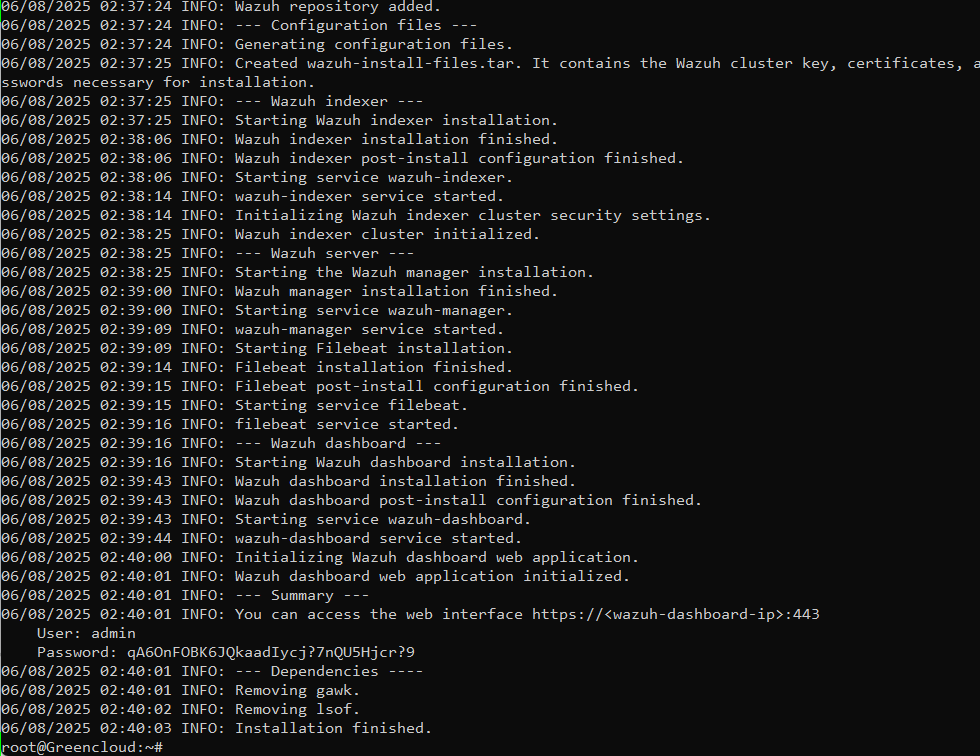
06/08/2024 11:24:34 INFO: You can access the web interface https://<wazuh-dashboard-ip>:443
    User: admin
    Password: qA6OnFOBK6JQkaadIycj?7nQU5Hjcr?9
Access the portal at https://<serverip> on your web browser and log in
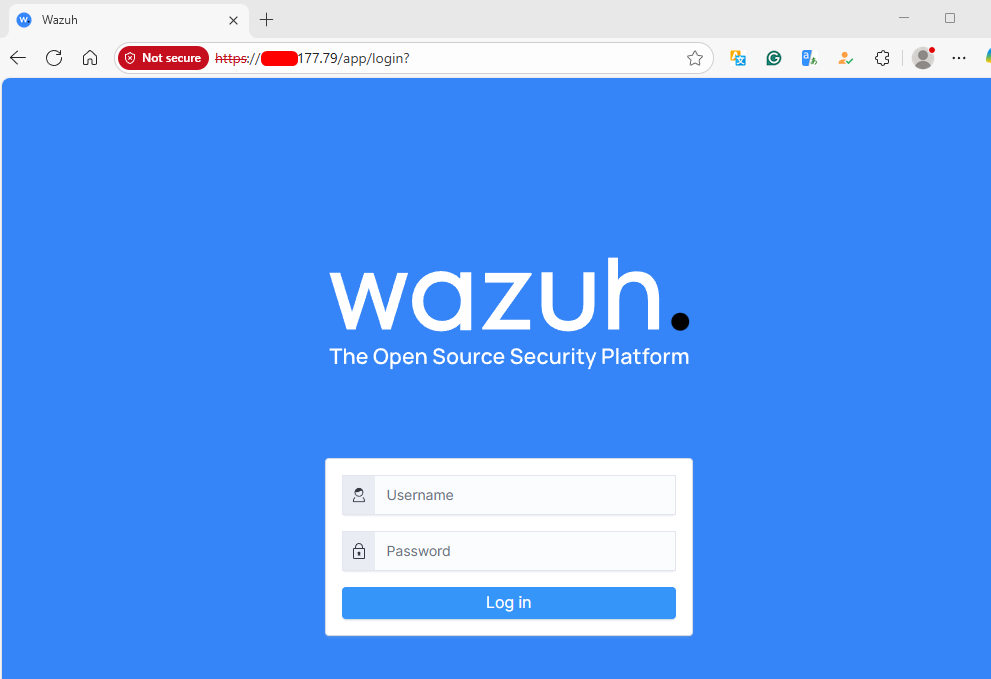
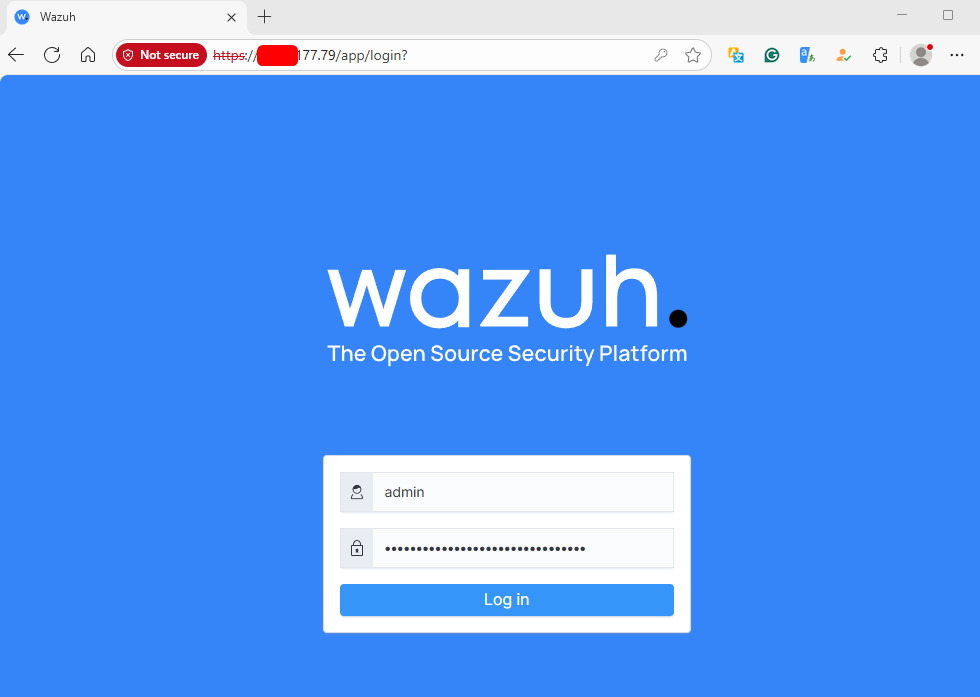
Input your username and password
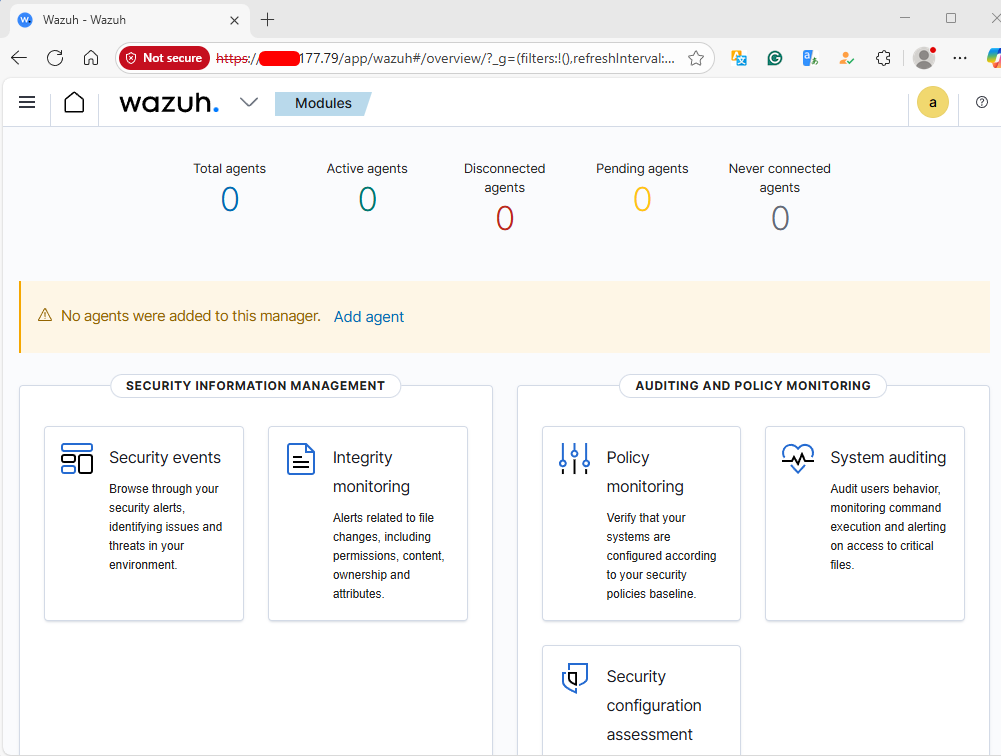
You should now get access to the Wazuh Web dashboard.
Step 2: Configure Wazuh Agents
Wazuh agent is deployed on the endpoint systems, such as Windows, Linux, and macOS, to collect events and all security-related data. The agent will then forward collected data to the Wazuh server for threat detection and analysis. The agent can also analyze collected logs on the system and extract valuable information relating to security for further analysis.
You can obtain commands that are to be run on the agent machine under Wazuh –> Agents
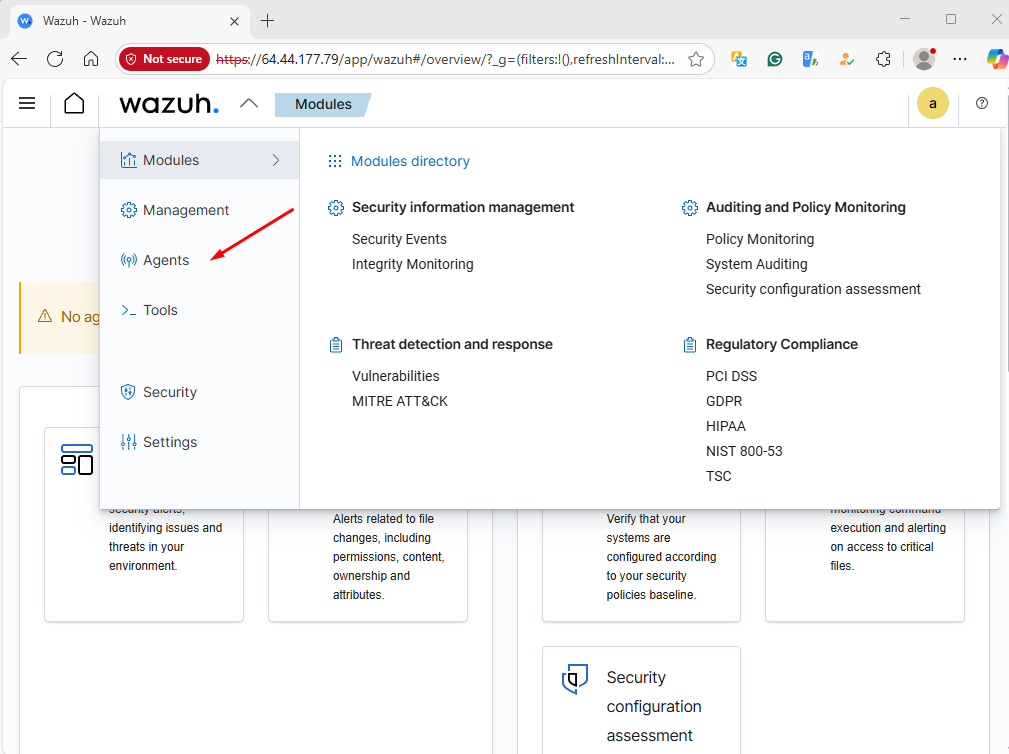
Choose the “Deploy new agent” option.
In the next section, you will choose:
- OS type and CPU architecture for it (Intel or ARM)
- Wazuh server address as deployed in step 1 – Public or private IPv4 address, depending on the setup
- The agent name is assigned to the agent. Best practice is to pick the agent hostname (FQDN)
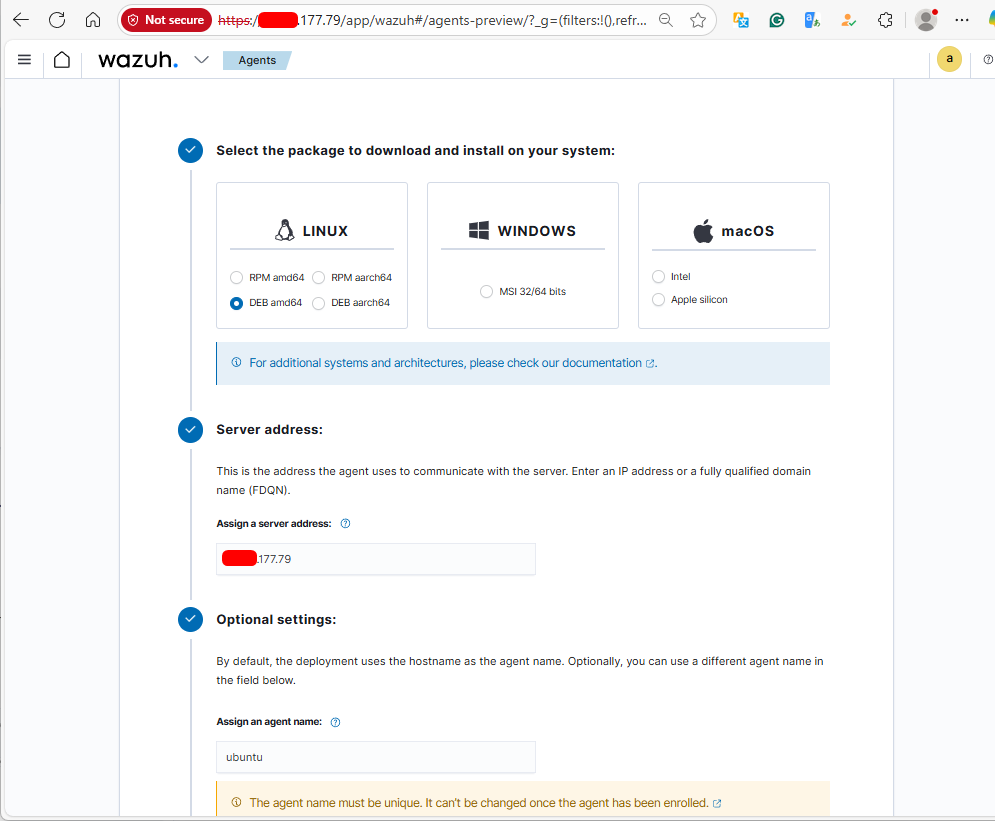
Next, run the commands given to install and configure the agent on your endpoint device.
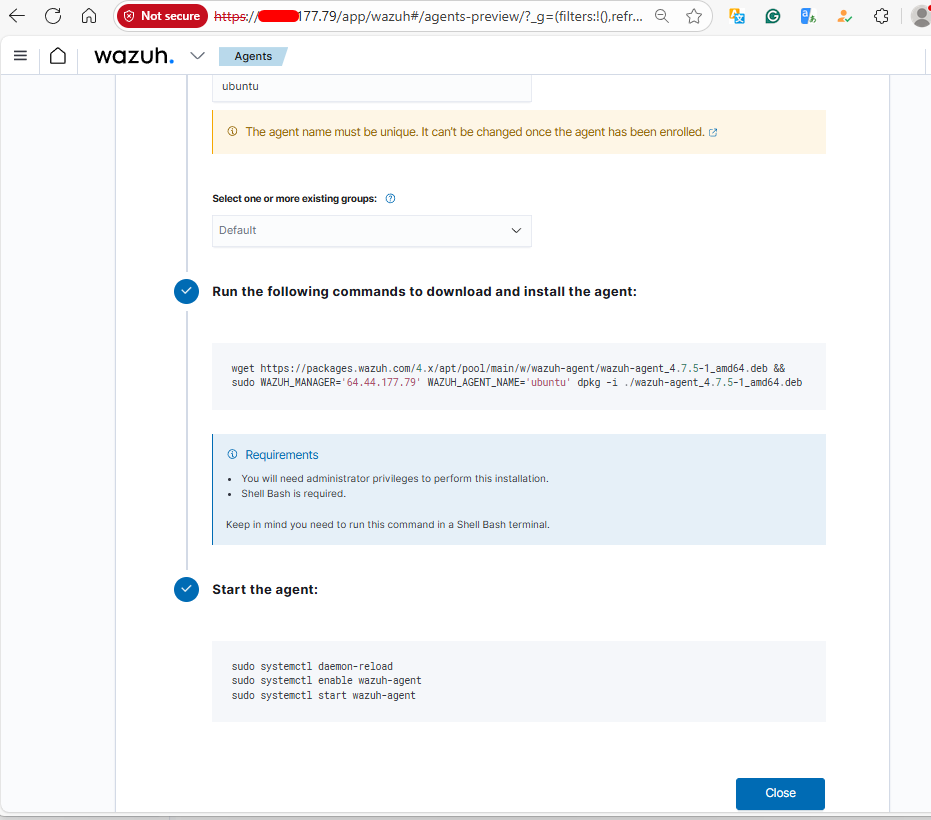
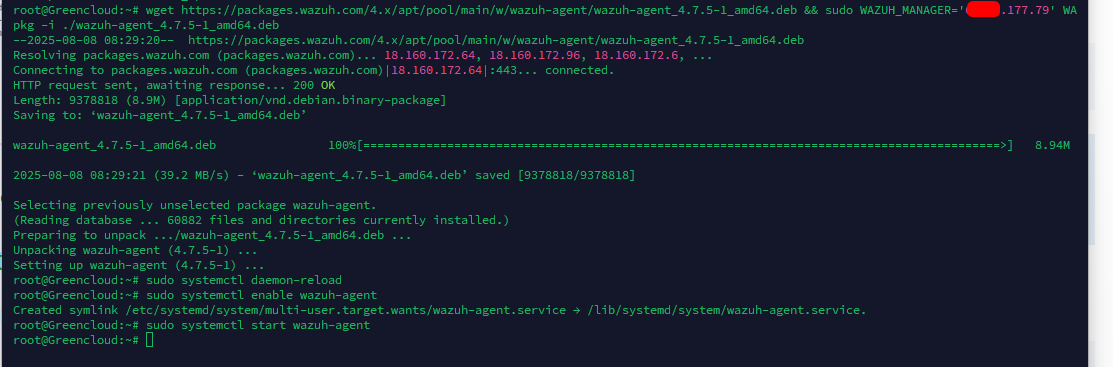
Executing the above command with root privileges on the server to be monitored completes the Wazuh Agent configuration process.
Don’t forget to run the commands to start and enable the service.
Step 3: Analyze events and logs
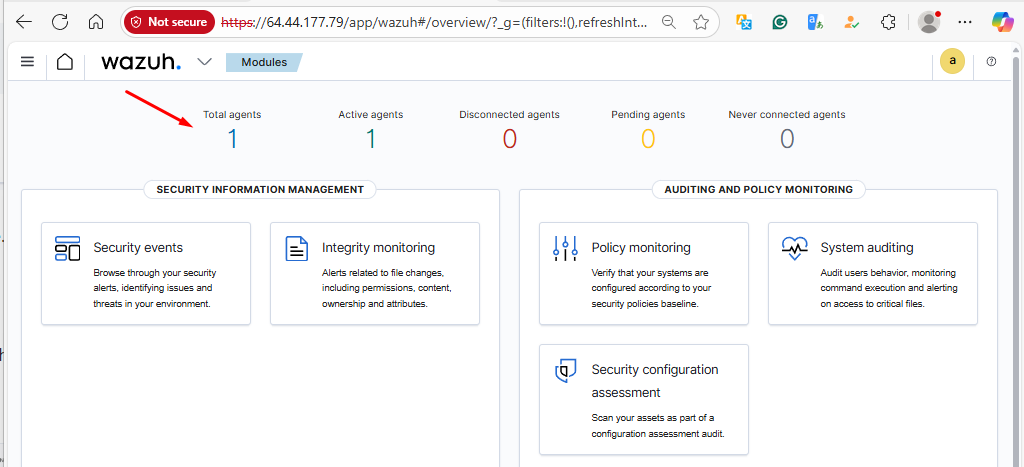
If you click on the Home icon, you will get to the default dashboard. Choose the agent to review.
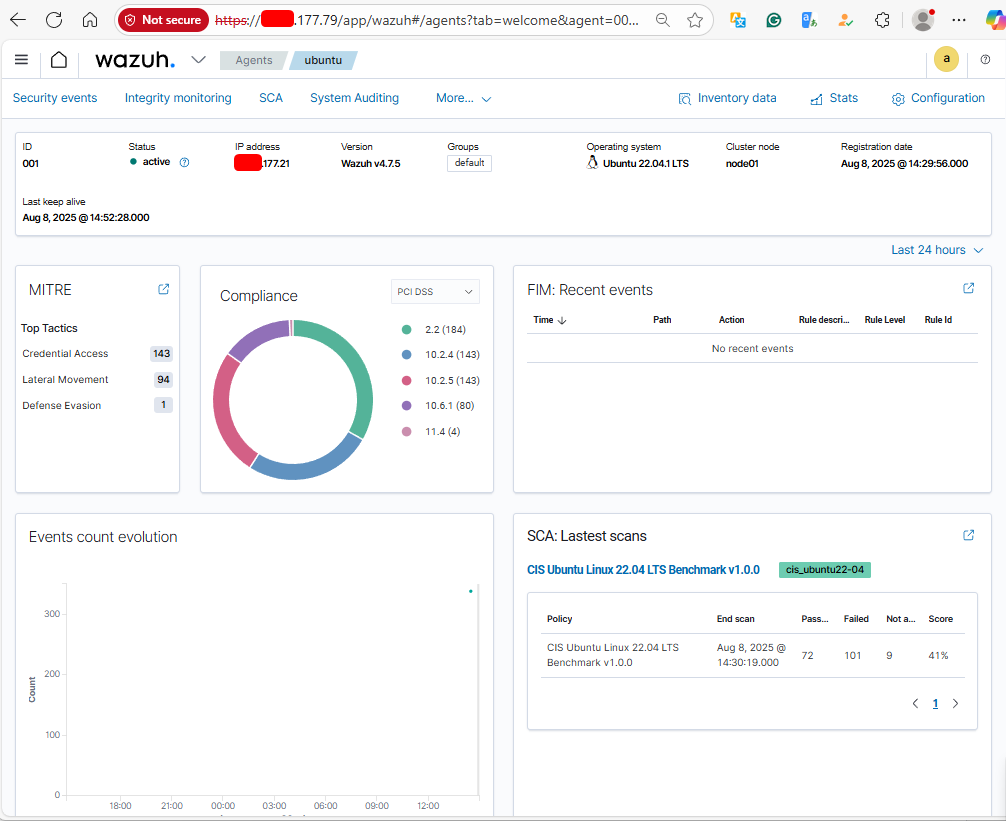
In the next screen, you can switch between menu sections to analyze events and filter.
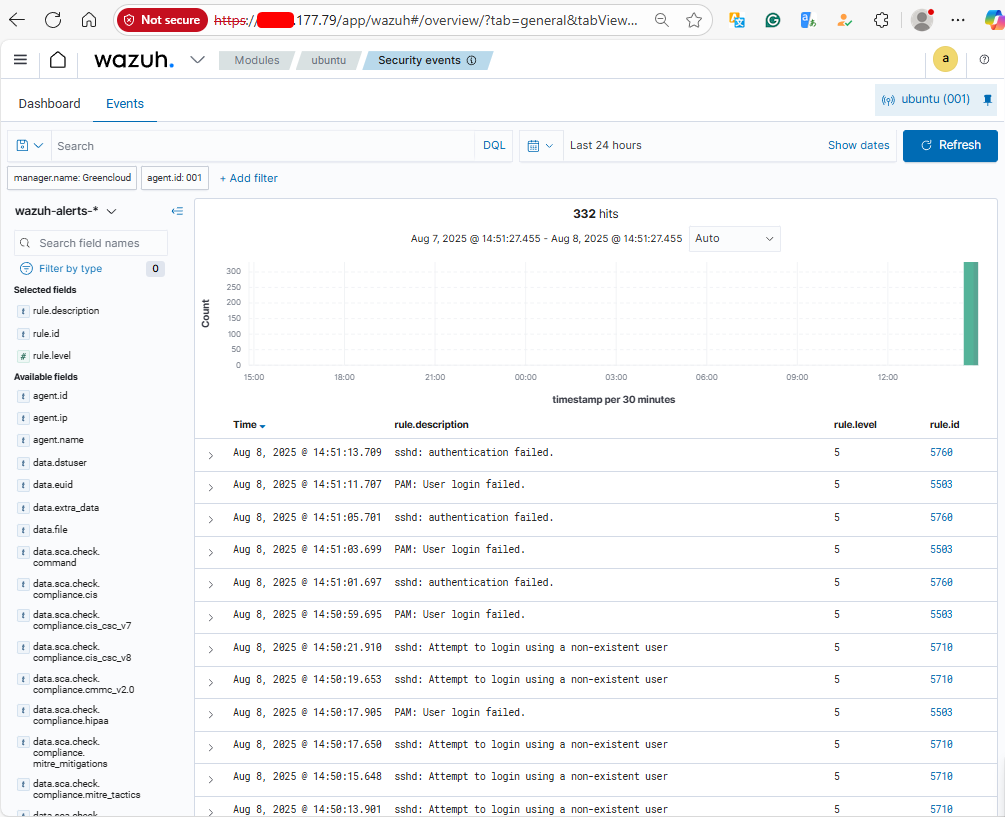
With the above steps, we have successfully set up the Wazuh server on Ubuntu. Visit the official Wazuh Documentation website to gain a deeper understanding of Wazuh components, configurations, and customizations that can be made to secure your infrastructure and services better.
