
How to Install Dozzle Log Viewer on Debian 12
Introduction
Monitoring Docker container logs is an important part of maintaining and debugging applications. While advanced logging stacks such as ELK or Loki provide powerful features, they are often complex and resource-intensive.
Dozzle is a lightweight, real-time log viewer designed specifically for Docker. It provides a simple web interface that allows you to monitor container logs instantly without requiring heavy infrastructure.
This guide will walk you through installing Dozzle on Debian 12 using Docker and Docker Compose, along with an optional Nginx reverse proxy setup.
Prerequisites
Before starting, ensure you have:
- A server running Debian 12
- Root or sudo access
- Basic knowledge of Linux commands
- Docker is not yet installed (we will install it)
Step 1: Connect to Your Server
ssh root@your-server-ip
Step 2: Update System and Install Dependencies
apt update && apt upgrade -y
apt install -y ca-certificates curl gnupg lsb-release
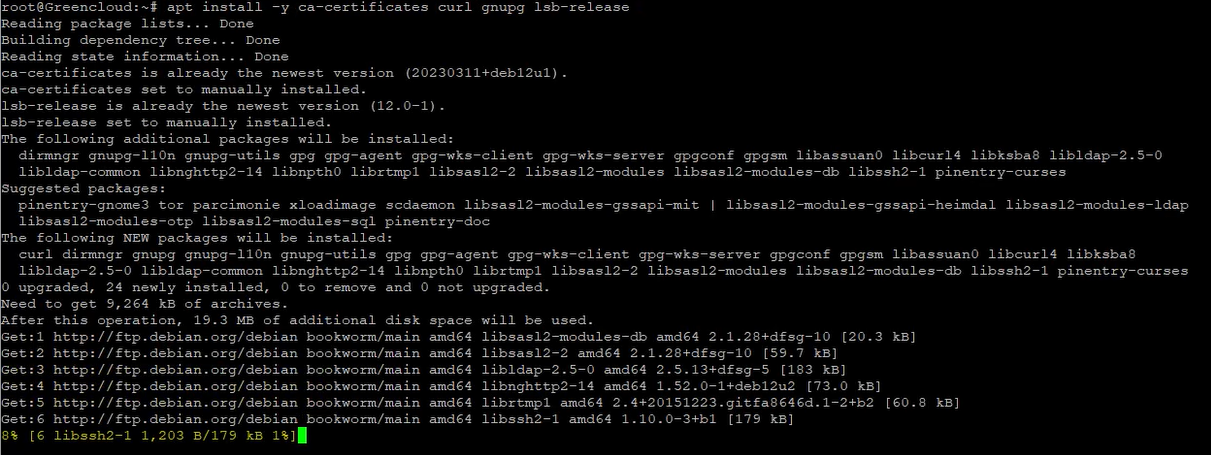
This ensures your system is up-to-date and ready for Docker installation.
Step 3: Install Docker and Docker Compose
Add Docker GPG key:
install -m 0755 -d /etc/apt/keyrings
curl -fsSL https://download.docker.com/linux/debian/gpg | \
gpg --dearmor -o /etc/apt/keyrings/docker.gpg
chmod a+r /etc/apt/keyrings/docker.gpg
Add Docker repository:
echo "deb [arch=$(dpkg --print-architecture) \
signed-by=/etc/apt/keyrings/docker.gpg] \
https://download.docker.com/linux/debian \
$(. /etc/os-release && echo $VERSION_CODENAME) stable" \
> /etc/apt/sources.list.d/docker.list
Install Docker:
apt update
apt install -y docker-ce docker-ce-cli containerd.io \
docker-buildx-plugin docker-compose-plugin
Enable Docker:
systemctl enable --now docker
Verify installation:
docker --version
docker compose version

Step 4: Deploy Dozzle with Docker Compose
Create a working directory:
mkdir -p /opt/dozzle
cd /opt/dozzle
Create the Docker Compose file:
cat > docker-compose.yml << 'EOF'
services:
 dozzle:
 image: amir20/dozzle:latest
 container_name: dozzle
 ports:
 - "8080:8080"
 volumes:
 - /var/run/docker.sock:/var/run/docker.sock:ro
 restart: unless-stopped
EOF
Start Dozzle:
docker compose up -d
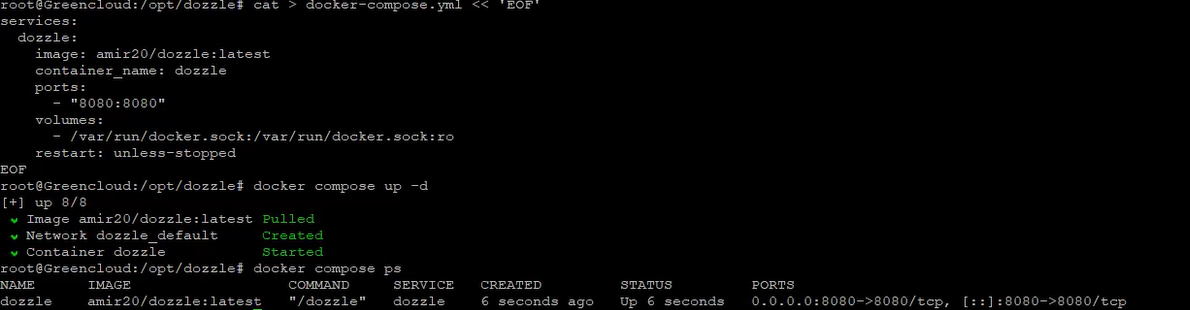
Check if it is running:
docker compose ps
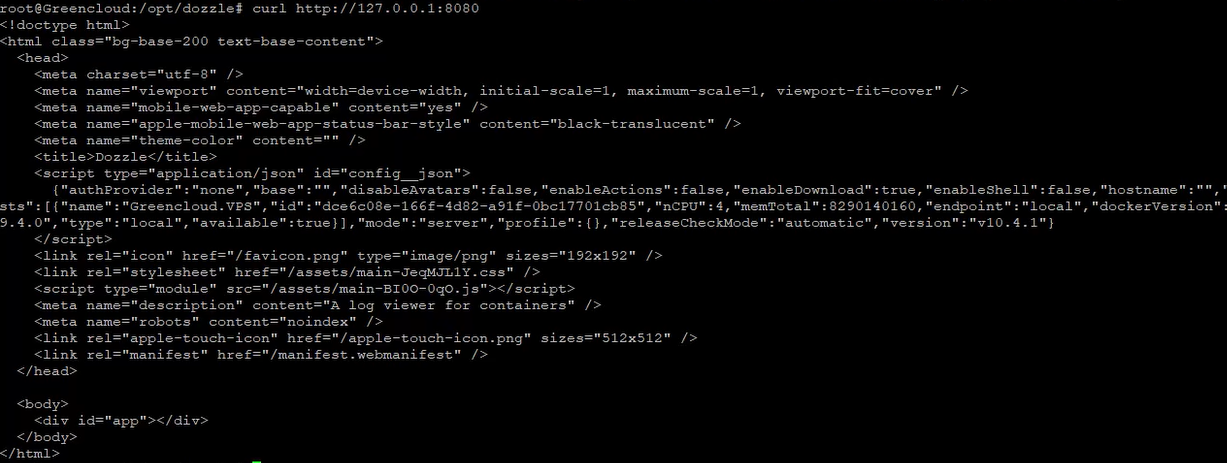
Test locally:
curl http://127.0.0.1:8080
Step 5: Configure Nginx Reverse Proxy (Optional)
Install Nginx:
apt install -y nginx
systemctl enable --now nginx
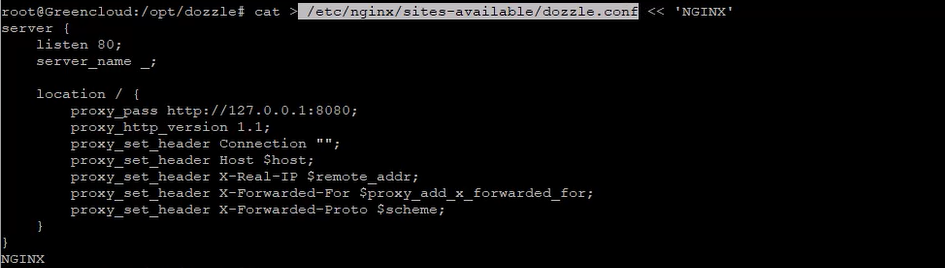
Create configuration file:
cat > /etc/nginx/sites-available/dozzle.conf << 'NGINX'
server {
 listen 80;
 server_name _;

 location / {
 proxy_pass http://127.0.0.1:8080;
 proxy_http_version 1.1;
 proxy_set_header Connection "";
 proxy_set_header Host $host;
 proxy_set_header X-Real-IP $remote_addr;
 proxy_set_header X-Forwarded-For $proxy_add_x_forwarded_for;
 proxy_set_header X-Forwarded-Proto $scheme;
 }
}
NGINX
Enable the site:
rm /etc/nginx/sites-enabled/default
ln -s /etc/nginx/sites-available/dozzle.conf /etc/nginx/sites-enabled/
Test and reload Nginx:
nginx -t
systemctl reload nginx
Step 6: Access Dozzle
Access via browser:
Without Nginx:
http://your-server-ip:8080
With Nginx:
http://your-server-ip
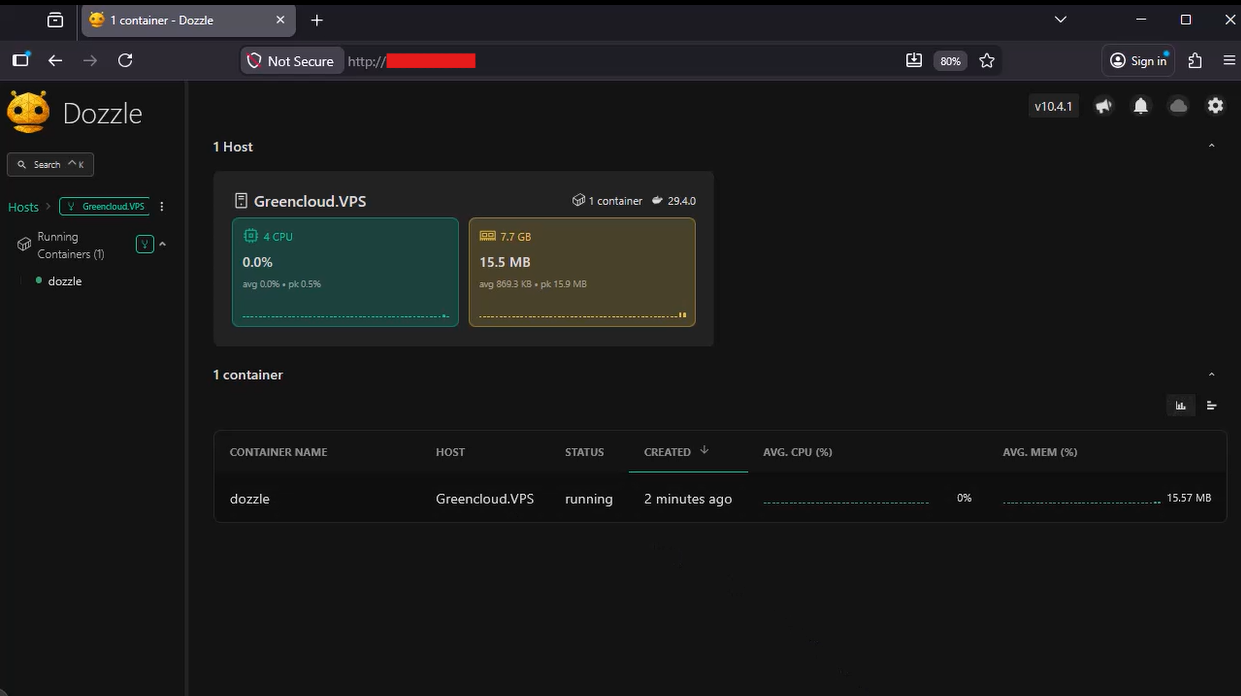
You should now see the Dozzle interface displaying Docker container logs in real time.
Security Notes
- Dozzle exposes Docker logs directly, so avoid exposing it publicly without protection
- Consider restricting access via firewall or VPN
- You can enable basic authentication in Nginx if needed
- Keep Docker images updated regularly
Use Cases
- Real-time debugging of Docker containers
- Monitoring logs in development or staging environments
- Lightweight alternative to complex logging systems
- Quick inspection without installing additional tools
Conclusion
You have successfully installed Dozzle on Debian 12 and configured it to monitor Docker logs in real time.
Dozzle is a simple yet effective tool for developers and system administrators who need quick access to container logs without deploying a full logging stack. While it does not replace advanced logging systems for long-term storage and analytics, it is ideal for live monitoring and troubleshooting.
By optionally using Nginx as a reverse proxy, you can make the service easier to access and integrate into your existing infrastructure.
