
How to Install Usermin on AlmaLinux 9
Introduction
Usermin is a web-based interface that allows regular users to manage personal settings such as email, passwords, and files. It is commonly used alongside Webmin and is particularly useful for systems with multiple users.
This guide explains how to install and configure Usermin on AlmaLinux 9 step by step.
Step 1: Update System Packages
Before installing Usermin, update your system to ensure all packages are up to date:
sudo dnf update -y
Step 2: Configure Webmin/Usermin Repository
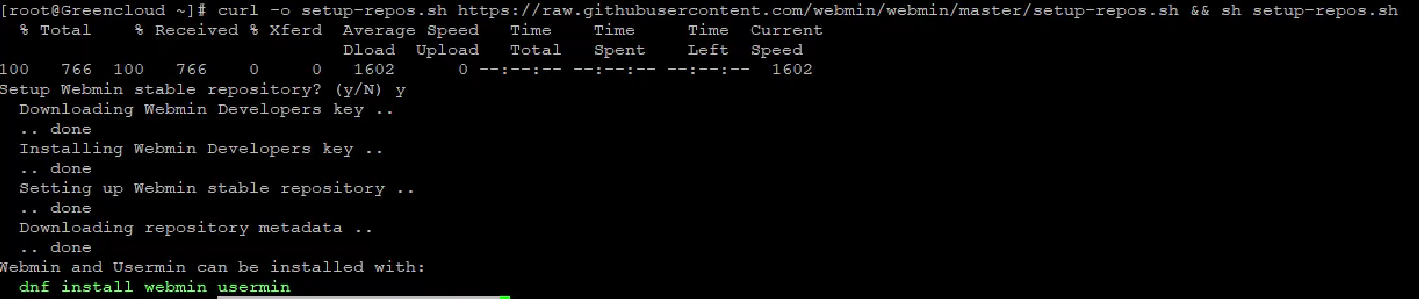
Download and execute the official repository setup script:
curl -o setup-repos.sh https://raw.githubusercontent.com/webmin/webmin/master/setup-repos.sh && sh setup-repos.sh
Step 3: Install Usermin
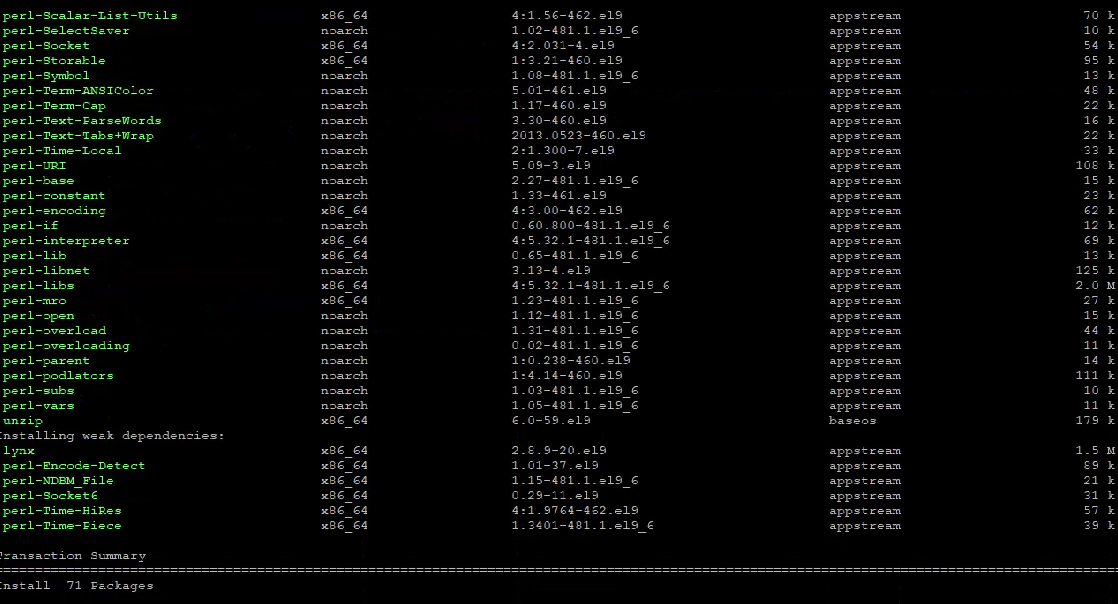
After adding the repository, install Usermin using:
sudo dnf install usermin -y
Step 4: Configure SELinux (if enabled)
If SELinux is enabled on your system, run the following commands:
sudo semanage port -a -t http_port_t -p tcp 20000
sudo semanage fcontext --add --type=var_log_t "/var/usermin(/.*)?"
sudo restorecon -R /var/usermin
If the semanage command is not available, install it with:
sudo dnf install policycoreutils-python-utils -y
Step 5: Restart Usermin Service
Restart the service to apply changes:
sudo systemctl restart usermin
Step 6: Run Initial Setup Script
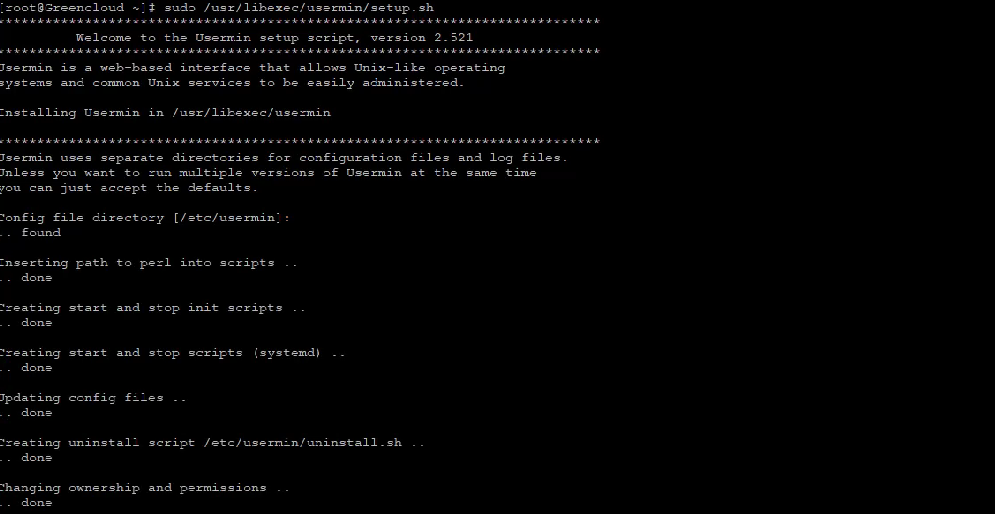
Run the setup script to complete configuration:
sudo /usr/libexec/usermin/setup.sh
Step 7: Configure Firewall (if enabled)
Allow access to Usermin through the firewall:
sudo firewall-cmd --add-port=20000/tcp --permanent
sudo firewall-cmd --reload
Step 8: Check Usermin Status
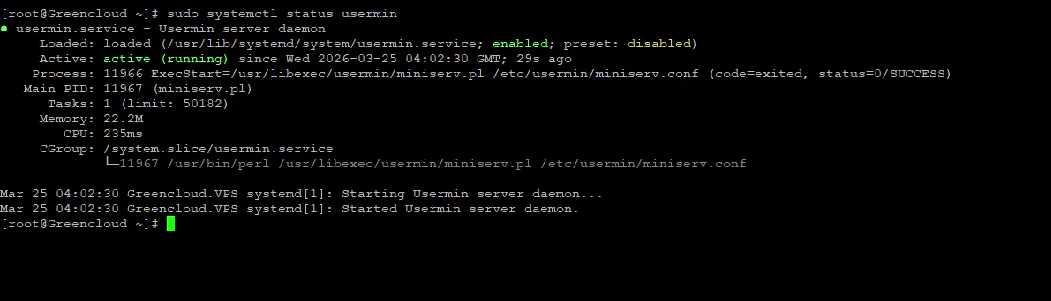
Verify that the service is running:
sudo systemctl status usermin
Step 9: Access Usermin
Open your browser and navigate to:
https://your-server-ip:20000
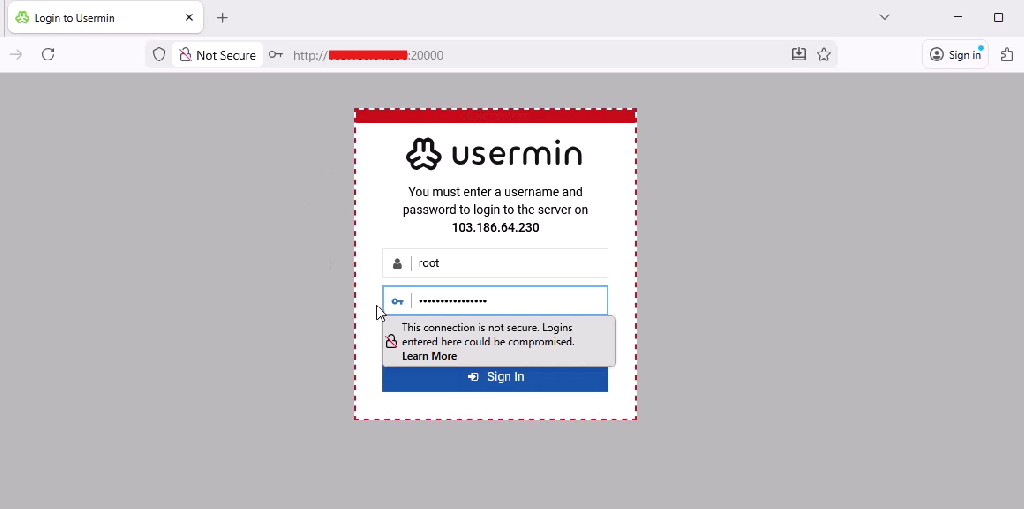
Step 10: Login
Log in using your system (Linux) username and password.
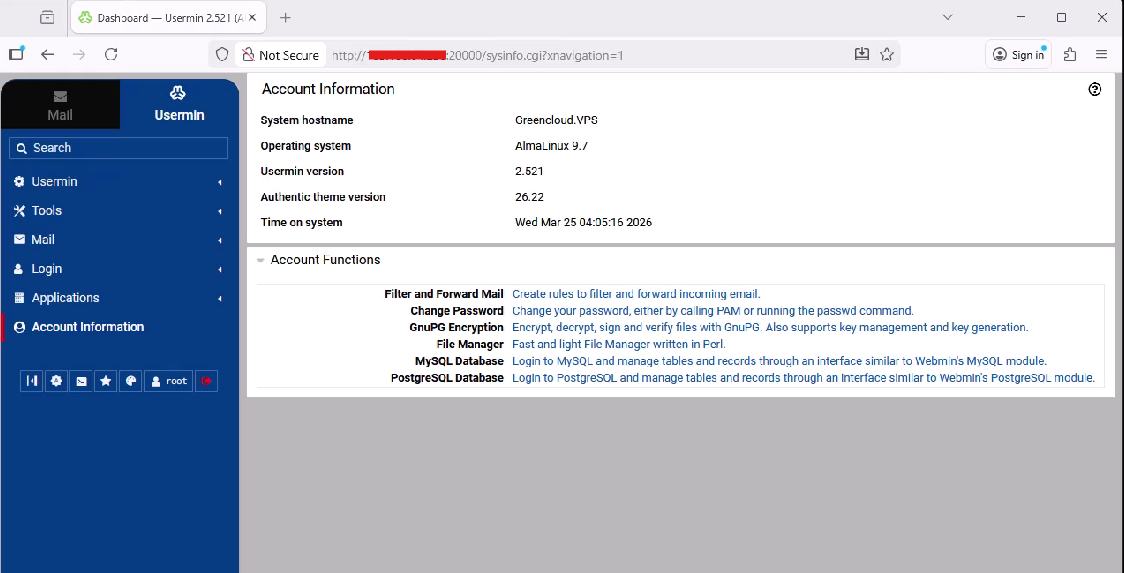
Conclusion
You have successfully installed and configured Usermin on AlmaLinux 9. It provides a simple web interface for users to manage their accounts without needing direct command-line access. For more advanced server administration, you can also install Webmin alongside Usermin.
